LG UltraGear 27G61ZB-B Review: High-Performance Gaming Monitor
Discover the LG UltraGear 27G61ZB-B, a high-performance gaming monitor with a stunning QHD display and a 200Hz refresh rate.
 Monitors
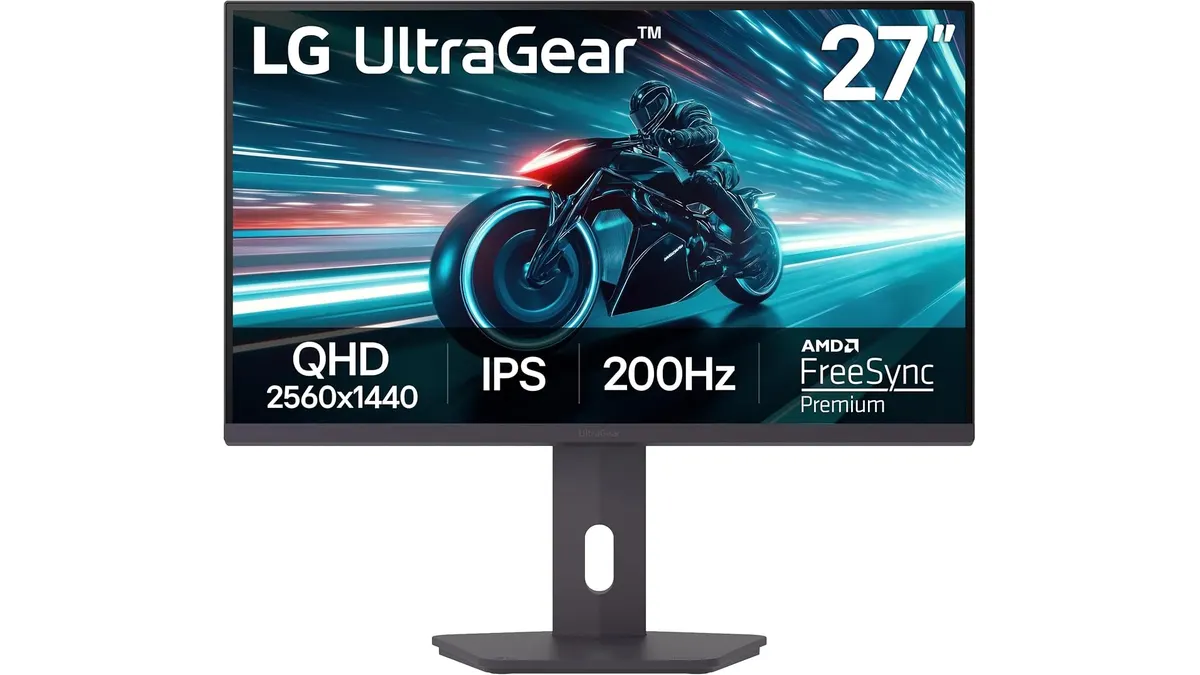
The LG UltraGear 27G61ZB-B is a 27-inch QHD gaming monitor designed for gamers seeking a high-performance display. With its fast refresh rate and impressive color accuracy, it caters to those who want fluid gameplay and rich visuals. This monitor is particularly appealing for individuals who engage in competitive gaming, where every millisecond can make a significant difference in performance.
What it does well
- High Refresh Rate: The native 200Hz refresh rate ensures smooth and responsive gameplay, significantly reducing motion blur during fast-paced action. This feature is particularly beneficial in competitive gaming scenarios, such as first-person shooters and racing games, where quick reflexes and visual clarity are paramount. Gamers will appreciate the reduction of tearing and stuttering, allowing for an uninterrupted visual experience.
- Fast Response Time: With a 1ms (GtG) response time, the LG UltraGear minimizes ghosting and delivers a clearer image during gaming sessions. This means that players can react quickly to in-game events without noticing trailing effects, which is crucial for maintaining performance in high-speed action. The rapid response time also contributes to an overall smoother gaming experience, making it a valuable asset for enthusiasts.
- Color Accuracy: Covering up to 99% of the sRGB color spectrum and supporting HDR10 allows for vibrant colors and deep blacks, enhancing the overall visual experience. The contrast and color depth provided by this monitor are impressive, making it suitable for games that rely on rich environments and cinematic visuals. While it excels in gaming, the color performance will also benefit casual media consumption, such as streaming movies or videos.
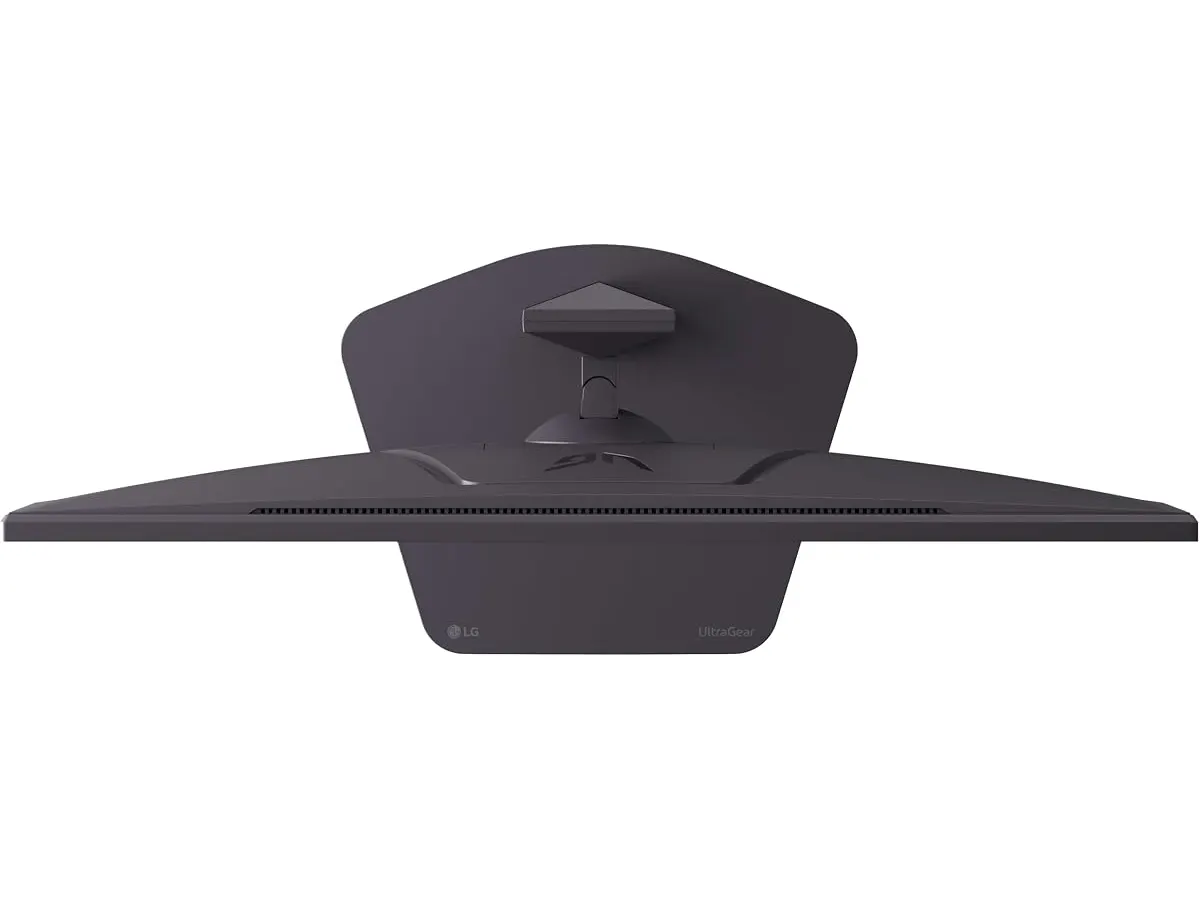
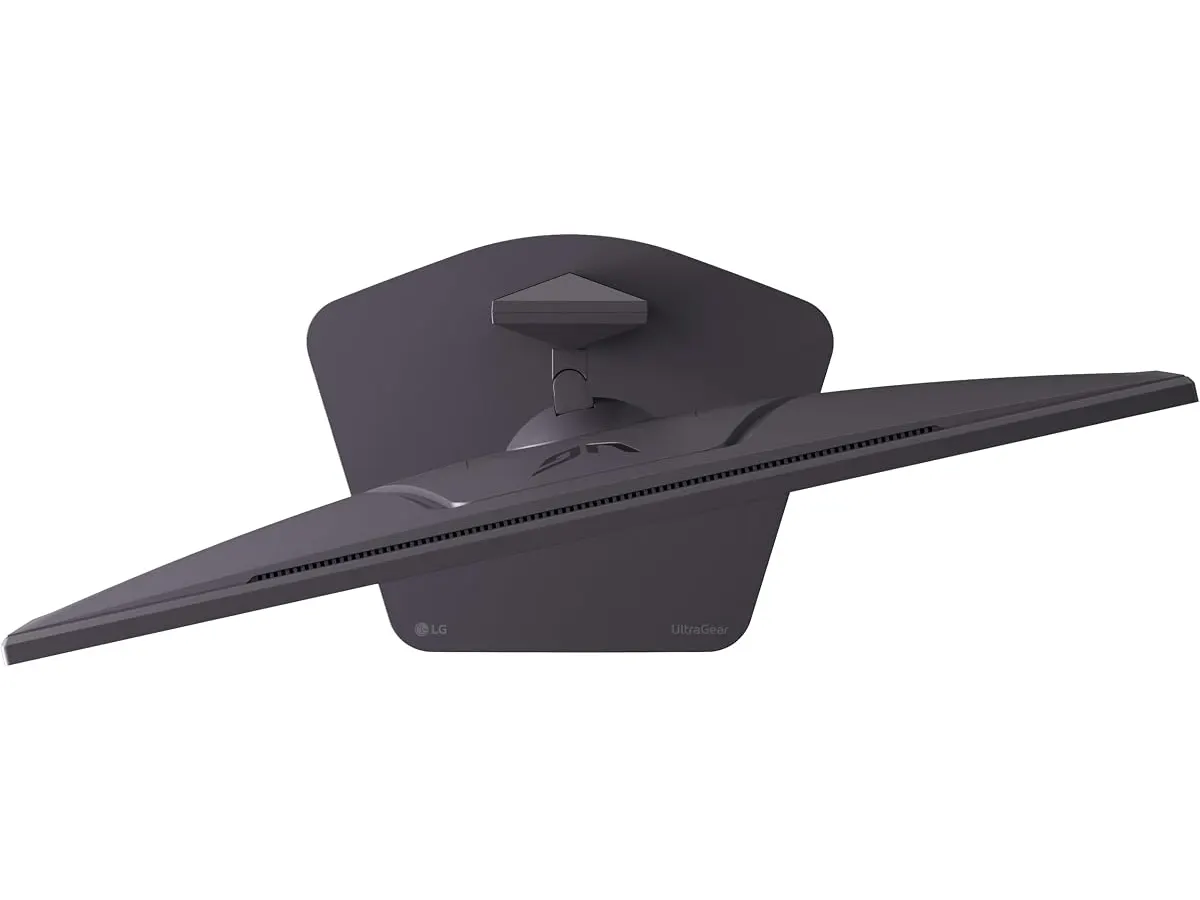
- Versatile Adjustments: The adjustable stand with height, tilt, swivel, and pivot options provides ergonomic flexibility for users, making it comfortable for long gaming or working sessions. Ergonomics is critical for users who may spend extended periods in front of the screen. The ability to adjust the monitor’s position helps reduce strain on the neck and back, promoting a healthier workspace.
| Specification | Details |
|---|---|
| Screen Size | 27 inches |
| Resolution | QHD (2560 x 1440) |
| Refresh Rate | 200 Hz (native) |
| Response Time | 1 ms (GtG) |
| Color Coverage | Up to 99% sRGB |
| Synchronization Technology | AMD FreeSync Premium |
| HDR Support | HDR10 |
| Adjustable Stand | Yes (height, tilt, swivel, pivot) |
Where it falls short
- Limited Connectivity Options: The monitor may lack sufficient ports for those who want to connect multiple devices simultaneously, which can be a drawback for some users. While it is ideal for a straightforward setup, individuals who require extensive connectivity options, such as multiple gaming consoles or a PC and a laptop, may find themselves limited. Users looking for a more versatile hub for their devices may need to invest in additional connectors or a docking station.
- Not Ideal for Professional Color Work: While it boasts good color accuracy for gaming, it may not meet the stringent requirements of professional photographers or graphic designers. Those in creative fields who require precise color reproduction may find the monitor lacking in features such as wider color gamut support and advanced calibration options. This monitor is not designed for critical color work, and professionals in this area should consider dedicated monitors designed specifically for such tasks.
Who is it for?
- Fits: The LG UltraGear 27G61ZB-B is perfect for gamers who prioritize high refresh rates and quick response times, enhancing their gaming performance. Casual gamers and competitive players alike will find this monitor suits their needs well, offering a significant upgrade over standard displays. The vibrant colors and smooth visuals also make it suitable for general multimedia use, including watching films and online content.
- Does Not Fit: It may not be suitable for professionals in graphic design or video editing who require more extensive color calibration and a wider color gamut. Additionally, those who need to connect multiple devices may find the limited ports inconvenient. If your primary use involves tasks that demand high color precision or connectivity, this monitor may not meet your expectations.
Alternatives to consider
- Budget Option: For those looking for a more affordable gaming monitor, consider a mid-range 1080p option that still offers decent refresh rates but may sacrifice some resolution. These monitors can provide a smooth gaming experience, although they may compromise on color accuracy or features geared toward high-end gaming.
- High-End Option: If you’re willing to spend more, look for a premium model with 4K resolution and advanced color calibration features, ideal for both gaming and professional tasks. These high-end models often come with better color accuracy and additional features such as higher refresh rates, making them suitable for a wider range of applications.
Verdict
The LG UltraGear 27G61ZB-B is a robust choice for gamers who want a responsive and visually impressive monitor. Its combination of a high refresh rate, fast response time, and solid color coverage makes it suitable for intense gaming sessions. Additionally, its ergonomic adjustments cater to the comfort needs of users during long hours of use. However, those in search of extensive connectivity features or professional color accuracy should explore other options. For further insights into monitor choices, check out our comprehensive guide on Monitors and consider the Dell UltraSharp U2724D Review: A Versatile 27-Inch Monitor at /en/blog/2026-09-22-dell-ultrasharp-u2724d.
Frequently asked questions
What is the refresh rate of the LG UltraGear 27G61ZB-B?
The LG UltraGear 27G61ZB-B features a native refresh rate of 200Hz, providing smooth visuals during fast-paced gaming.
Does the monitor have HDR capability?
Yes, the LG UltraGear 27G61ZB-B supports HDR10, enhancing the contrast and color range of the display.
Can I adjust the monitor’s height?
Yes, the monitor comes with an adjustable stand that allows for height, tilt, swivel, and pivot adjustments for ergonomic comfort.
Editorial team
SetUpLatam
We review home office gear by cross-checking official specs, real-world use and value for money. No sponsorships: if a link earns a commission, we always say so.
Spotted an error? Email usYou may also like
 Monitors
Gigastone 27" IPS 2-Pack Review: Dual Monitors for Productivity
Discover the Gigastone 27" IPS 2-Pack monitors. Ideal for dual-screen setups, offering Full HD and a sleek design. Perfect for remote workers and gamers.
 Monitors
Dell UltraSharp U2724D Review: A Versatile 27-Inch Monitor
Discover the Dell UltraSharp U2724D, a 27-inch monitor designed for professionals seeking performance and image quality in their home office.