iClever Wireless Mouse Review: A Versatile Choice for Remote Work
Discover the iClever Wireless Mouse—perfect for multitaskers and quiet workspaces. Read our in-depth review for details.
 Peripherals
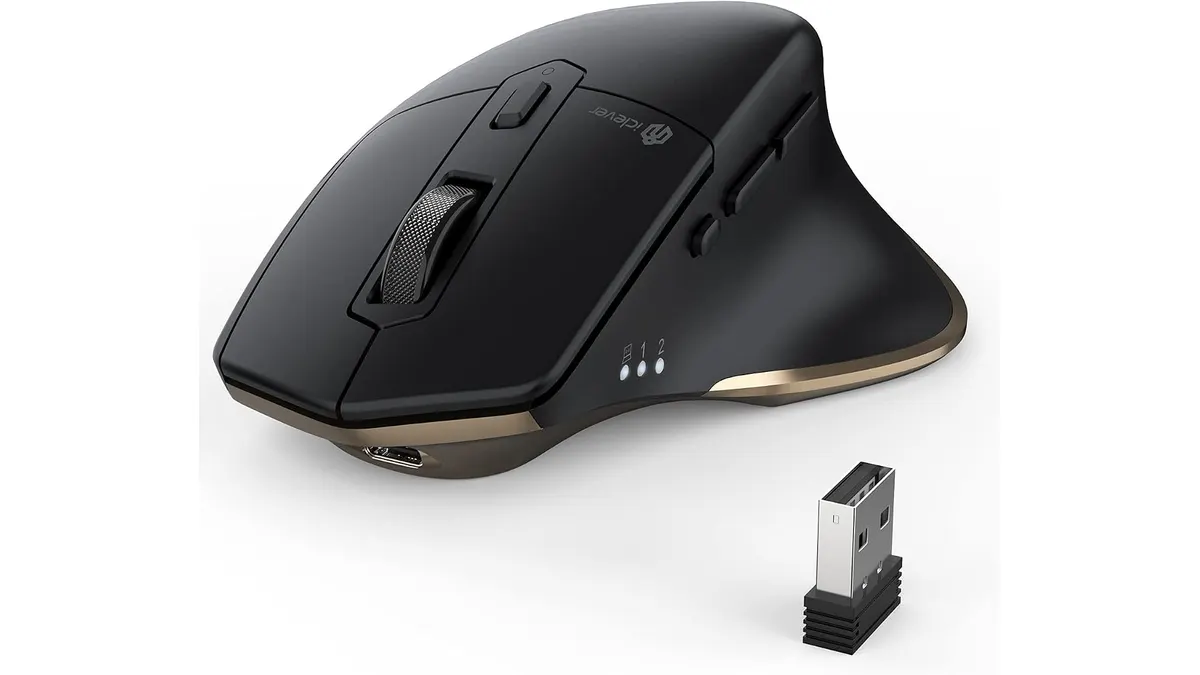
The iClever Wireless Mouse is tailored for remote workers, students, and anyone looking for a reliable and quiet peripheral. Featuring dual connectivity options and support for multiple devices, it enhances productivity while keeping noise to a minimum. This makes it an excellent choice for various home office setups where concentration is key.
What it does well
- Dual Connectivity: The iClever Wireless Mouse offers both Bluetooth 5.1 and 2.4 GHz USB connections. This allows users to seamlessly switch between up to three devices with just one click. For remote workers juggling multiple computers or tablets, this feature is a game-changer. Imagine moving from your laptop to a tablet for note-taking, and then back to your desktop for research without needing to connect and disconnect cables or dongles. This fluidity can significantly enhance workflow, particularly for those who multitask frequently.
- Silent Clicks: Its quiet click design is a standout feature, making the mouse perfect for work environments like libraries or shared offices. You can focus on your tasks without disturbing those around you. This is especially critical in settings where sound can be a distraction for others, like in co-working spaces or open-plan offices. For students studying in quiet library corners or remote workers in shared living spaces, this feature alone can justify the investment.
- Rechargeable Battery: The mouse is equipped with a rechargeable battery via USB-C, eliminating the need for disposable batteries. This is a practical choice for eco-conscious users who want to reduce waste and the hassle of constantly replacing batteries. A USB-C charge is also generally more convenient, as it aligns with modern charging standards for most devices.
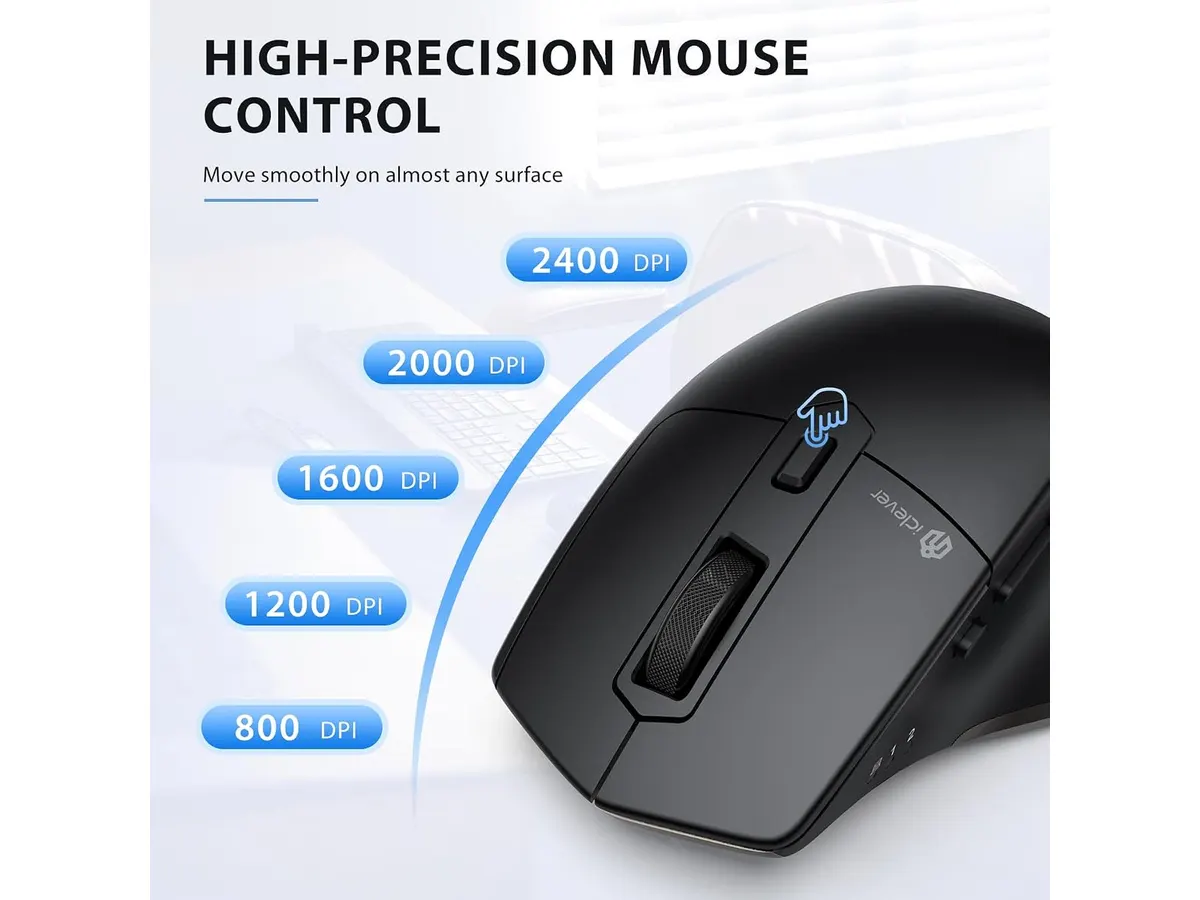
- Customizable DPI Settings: With five adjustable DPI levels ranging from 800 to 2400, users can tailor the mouse sensitivity to their specific preferences. This feature enhances precision during tasks such as graphic design or gaming, where even slight adjustments in sensitivity can make a significant difference in performance. Users can find a DPI setting that suits their workflow, whether they are drafting documents or engaging in pixel-perfect tasks.
Key specifications
| Specification | Details |
|---|---|
| Connection | Dual: Bluetooth 5.1 and 2.4 GHz USB |
| Multi-device Support | Up to 3 devices |
| Battery | Rechargeable via USB-C |
| Click Type | Silent |
| DPI Levels | 5 levels (800 to 2400) |
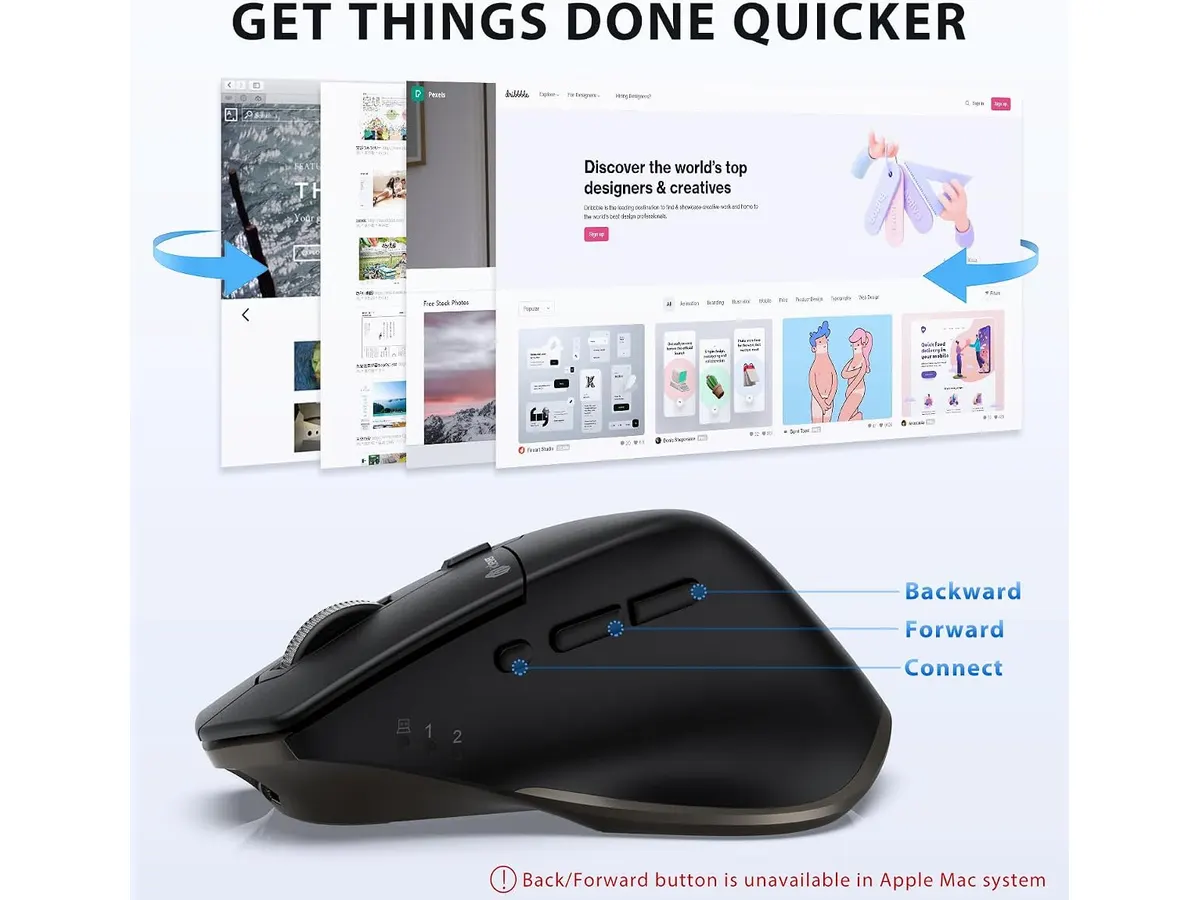
| Additional Buttons | Forward and backward |
Where it falls short
- Limited Ergonomics: Although the iClever Wireless Mouse performs well in terms of functionality, its form factor may not suit users seeking an ergonomic design for prolonged use. Those with larger hands might find it less comfortable over long stretches of work. For users who spend hours at their computers, an ergonomically designed mouse can help prevent discomfort and promote better hand positioning. If you’re someone who experiences fatigue or strain in your wrists, this mouse may not be the best fit.
- Basic Functionality: While it offers essential features, the mouse lacks advanced options such as customizable buttons or profiles. This may disappoint power users who demand more extensive functionalities. For professionals who rely on specific shortcuts or macros in their daily tasks, the lack of additional programmable buttons could be a limitation. Users who appreciate high levels of customization might find themselves looking for alternatives that better cater to their specialized needs.
Who is it for?
- Fits: The iClever Wireless Mouse is ideal for remote workers, students, and anyone needing a quiet, reliable mouse for multitasking across multiple devices. Its ease of use and minimalistic design make it a suitable option for those who want to keep their workspace clutter-free while maintaining efficiency.
- Does not fit: However, it may not be suitable for gamers or users who require ergonomic designs for extensive use. Power users who need features like customizable buttons, high response time, or specialized shapes should consider looking at options that cater specifically to those requirements. If you frequently engage in high-paced activities like gaming, or if comfort is paramount for extended periods of usage, this mouse may fall short of expectations.
Alternatives to consider
- Entry-Level Option: Look for a basic wired mouse that offers plug-and-play functionality. This option typically comes without extra features and is perfect for users on a budget or those who prefer minimalistic setups. If you’re someone who does not require advanced functionality and just needs a straightforward mouse for basic tasks, this could be the right choice.
- High-End Option: On the other side, consider a premium ergonomic mouse. Such options usually provide customizable buttons, advanced tracking capabilities, and superior comfort for users who spend long hours at the computer. This is especially ideal for professionals and gamers looking for enhanced performance and increased comfort during extended usage sessions. The investment in a higher-end model can lead to significant gains in both comfort and functionality.
Verdict
The iClever Wireless Mouse impresses with its dual connectivity, silent functionality, and rechargeable battery, making it an excellent choice for those needing a versatile peripheral. While it may fall short in ergonomic design and advanced features, it serves well for everyday tasks, particularly for those who prioritize quiet work environments and multi-device connectivity. For anyone looking for solid performance without breaking the bank, this mouse is a recommended pick. Explore more options in the Peripherals category to find the right gear for your home office.
Frequently asked questions
What devices are compatible with the iClever Wireless Mouse?
The iClever Wireless Mouse connects with any device that supports Bluetooth or USB receivers, including laptops, desktops, and tablets. This compatibility ensures that you can make the most out of this mouse with virtually any modern device.
How long does the battery last on a full charge?
Battery life can vary based on usage, but the rechargeable battery is designed to provide extended use between charges. Regular use with Bluetooth may yield longer battery life compared to continuous use via 2.4 GHz USB, depending on device settings and features in use.
Is the mouse suitable for gaming?
While it offers adjustable DPI settings, the iClever Wireless Mouse is not specifically designed for gaming. Users seeking superior performance, rapid response times, and additional gaming features may find this mouse lacking compared to more specialized gaming peripherals.
Editorial team
SetUpLatam
We review home office gear by cross-checking official specs, real-world use and value for money. No sponsorships: if a link earns a commission, we always say so.
Spotted an error? Email usYou may also like
 Peripherals
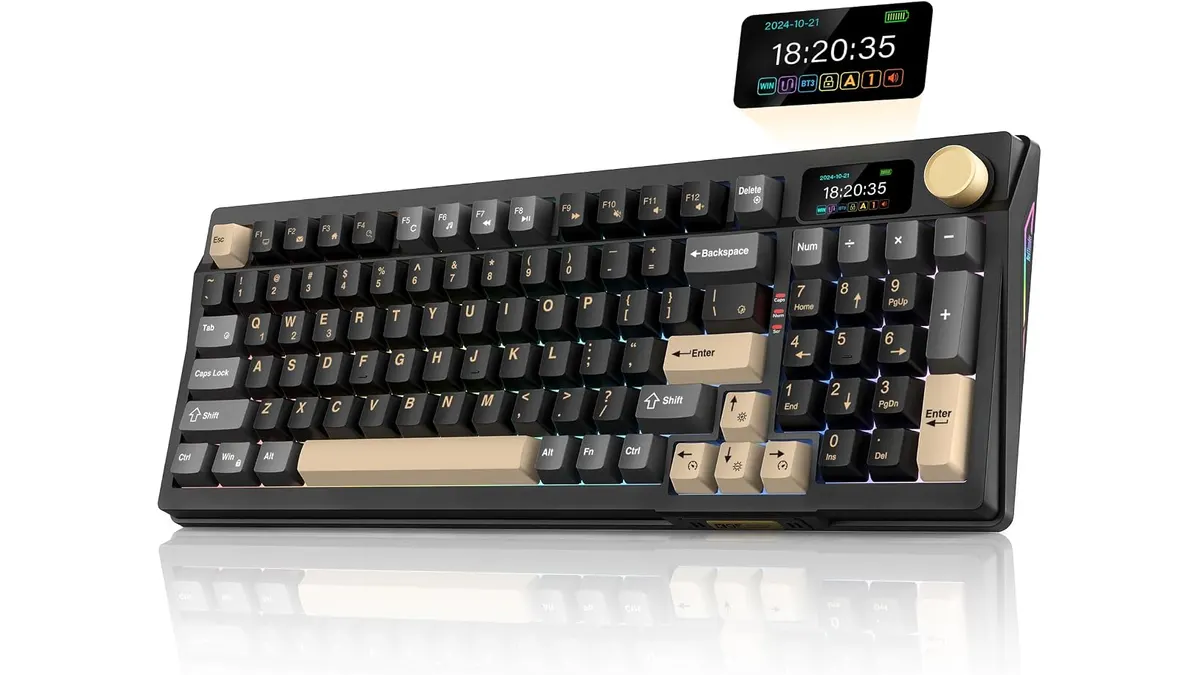
RedThunder K95 Wireless Mechanical Keyboard Review
Discover the features and limitations of the RedThunder K95 Wireless Mechanical Keyboard for remote work and gaming.
 Peripherals
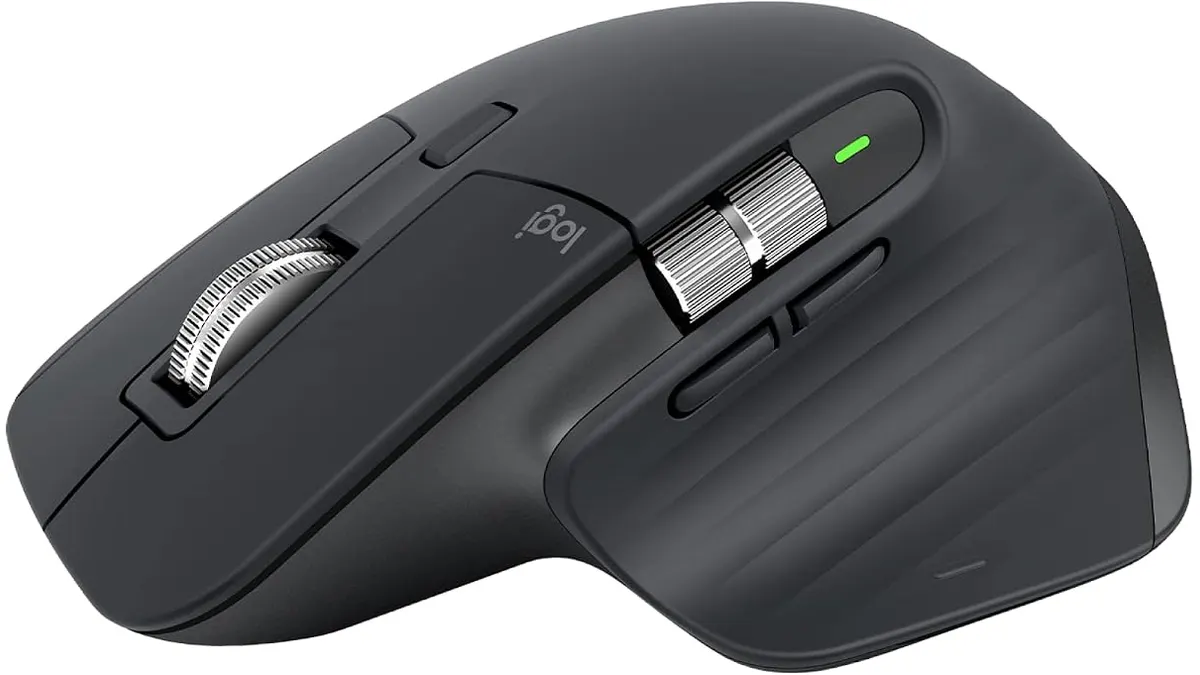
Logitech MX Master 3S Review: Ergonomic Wireless Mouse for Professionals
Discover the Logitech MX Master 3S, an ergonomic wireless mouse designed for comfort and precision. Ideal for remote workers and creatives.
 Mounts & Hubs
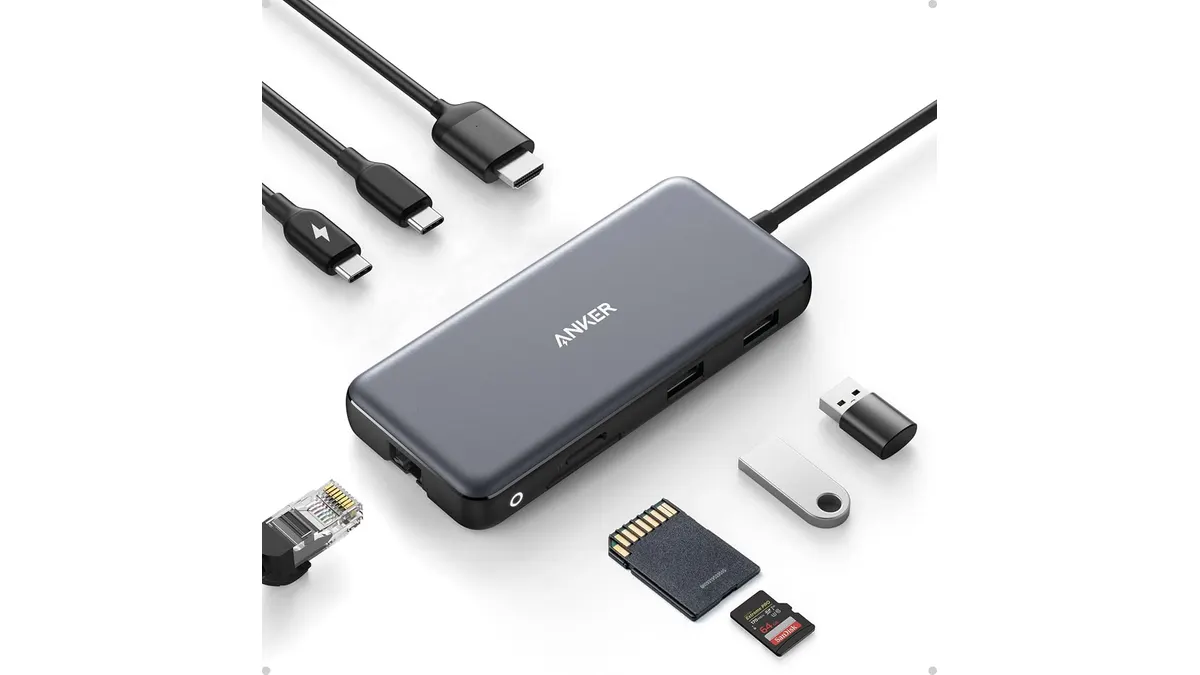
Anker USB-C Hub 8-in-1 Review: Versatile Connectivity Solution
Discover the Anker USB-C Hub 8-in-1 for seamless connectivity, ideal for remote workers and students. Check our in-depth review.